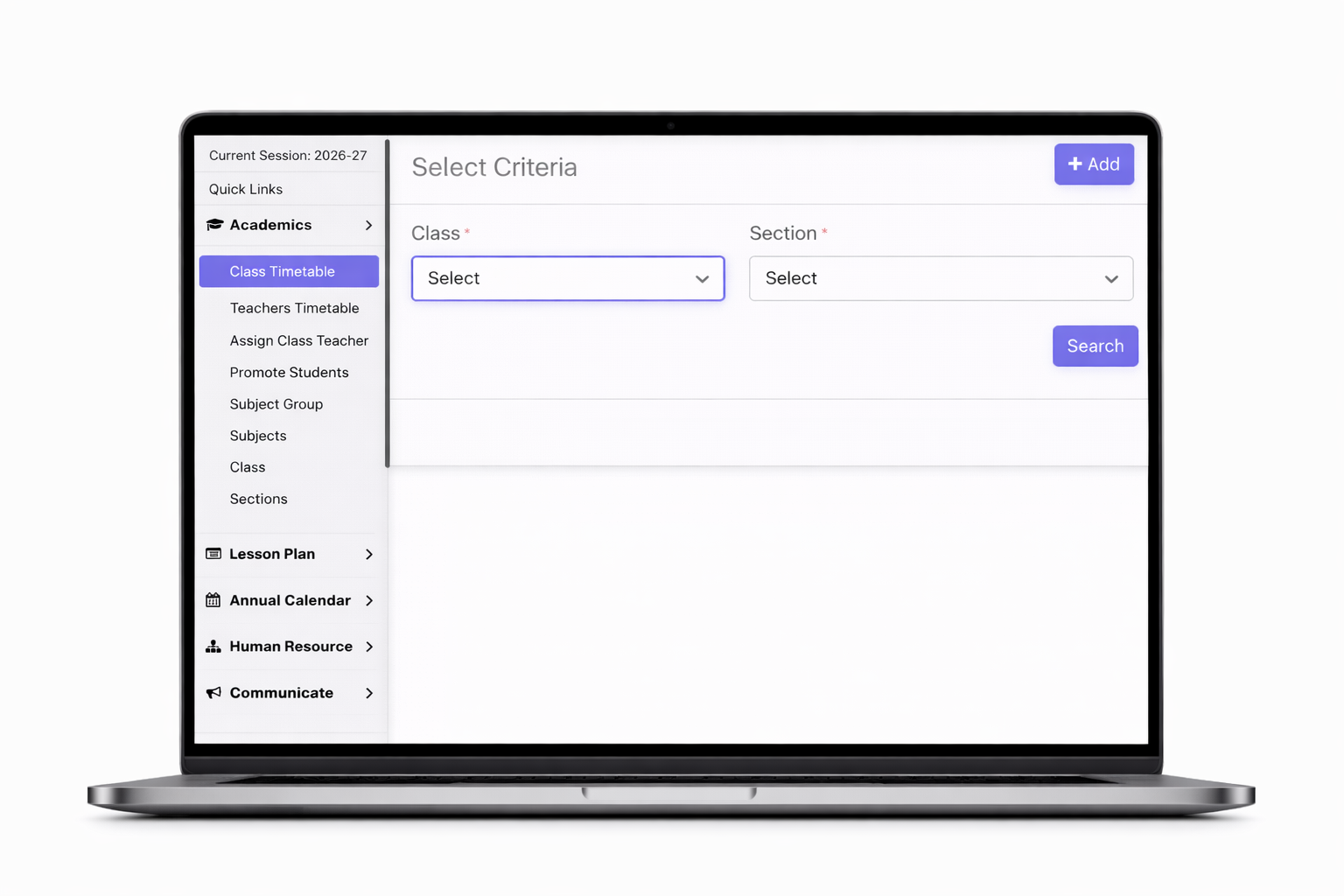
Mentora School ERP provides a smart Class Timetable management system that helps schools organize and manage daily schedules efficiently. Administrators can create class-wise and section-wise timetables by assigning subjects, teachers, and time slots with ease.
The system ensures there are no scheduling conflicts by automatically managing teacher availability and subject distribution. Timetables can be updated anytime and instantly shared with students, parents, and staff through the mobile app or web portal.
It also supports period-wise planning, substitute teacher adjustments, and printable timetable formats. This feature improves academic planning, ensures smooth classroom operations, and keeps everyone informed with real-time updates.

Mentora School ERP provides an efficient Teacher Timetable system that helps manage and organize teachers’ schedules with ease. Administrators can assign subjects, classes, and periods to each teacher while ensuring no timing conflicts or overlaps.
Teachers can view their daily, weekly, or monthly schedules through the web portal or mobile app, including class details and timings. The system also supports adjustments for substitutions, leave management, and timetable updates in real time.
This feature ensures better workload distribution, improved planning, and smooth coordination between teachers and administration, making academic scheduling more structured and efficient.

Mentora School ERP provides an easy Assign Class Teacher feature that allows administrators to allocate a class teacher to each class or section efficiently. With a simple selection process, schools can assign a teacher responsible for managing a specific class.
The assigned class teacher can monitor student attendance, academic performance, behavior, and communication with parents. They also handle announcements, student queries, and overall class coordination.
This feature ensures clear responsibility, better student management, and improved communication between teachers, students, and parents, making classroom administration more organized and effective.

Mentora School ERP offers a seamless Promote Students feature that allows schools to advance students to the next class or academic session with ease. Administrators can promote students individually or in bulk based on their academic performance and results.
The system automatically transfers student records, including personal details, academic history, and fee data, to the new class or session. It also updates class sections, roll numbers, and fee structures accordingly.
This feature minimizes manual work, reduces errors, and ensures a smooth transition for students, making the promotion process fast, accurate, and well-organized.
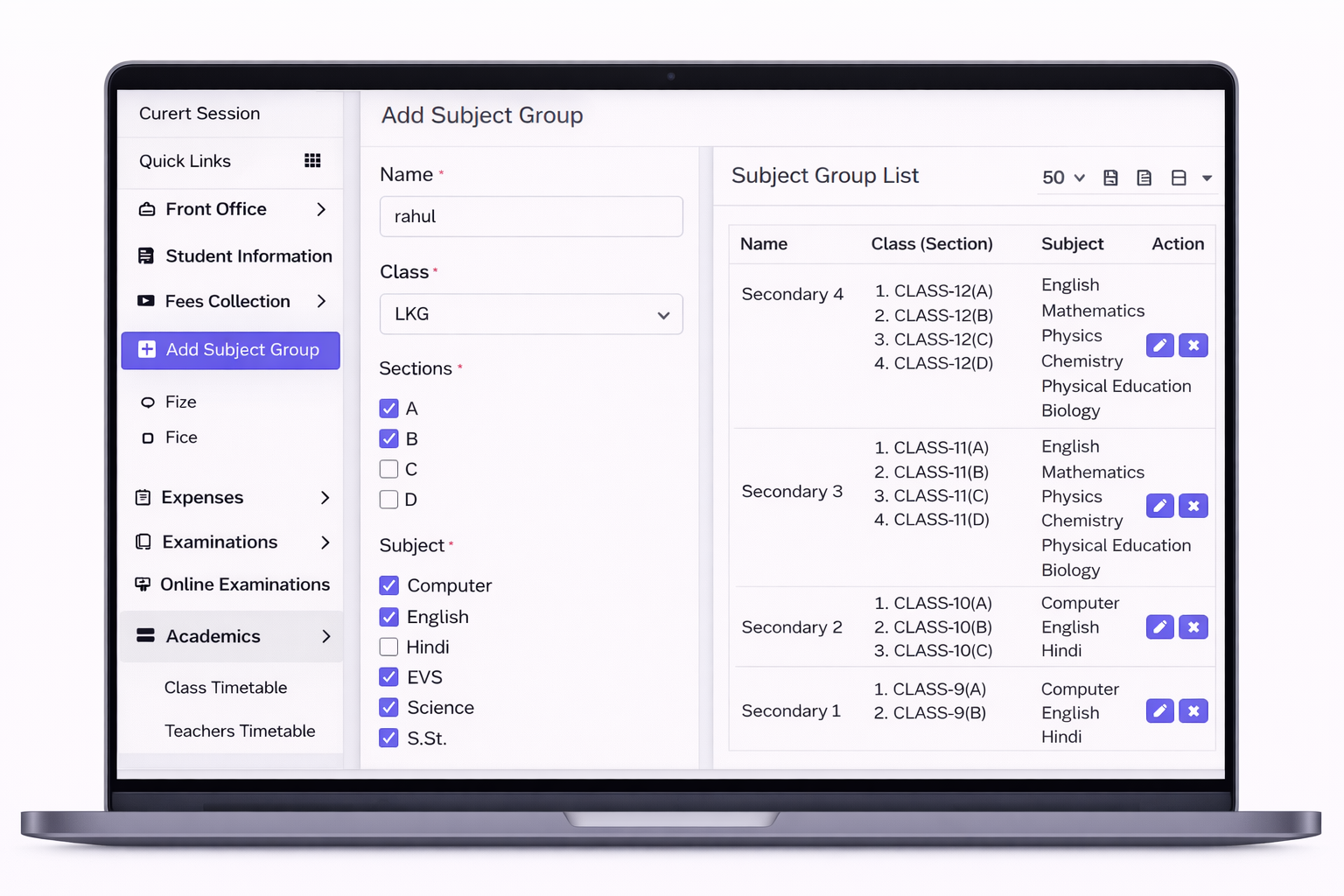
Mentora School ERP includes a Subject Group feature that helps schools organize subjects in a structured and efficient way. Administrators can create subject groups by combining related subjects such as Science, Commerce, or Arts, and assign them to specific classes or sections.
This makes it easier to manage curriculum, timetable scheduling, and teacher allocation. Subject groups also help in exam setup and result generation by grouping subjects logically.
The feature ensures better academic planning, reduces complexity in subject management, and provides flexibility to customize subject combinations as per school requirements.
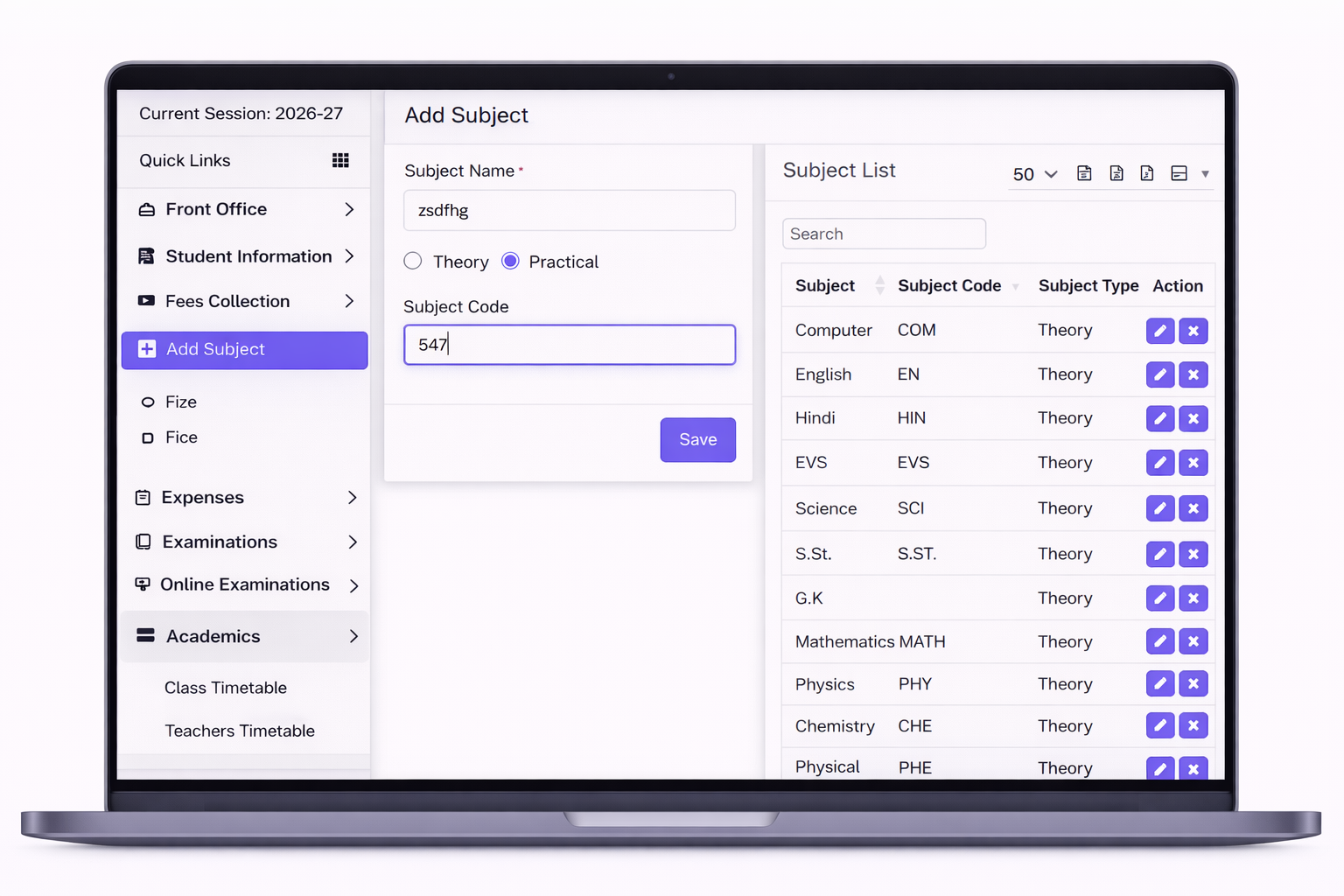
Mentora School ERP provides a Subject Management feature that allows schools to define and manage all academic subjects efficiently. Administrators can create subjects such as Mathematics, Science, English, etc., and assign them to specific classes, sections, and subject groups.
Each subject can be linked with teachers for timetable scheduling and academic planning. The system also integrates subjects with exams, attendance, homework, and performance tracking.
This feature ensures organized curriculum management, easy subject allocation, and better academic coordination, helping schools maintain a structured and efficient teaching environment.
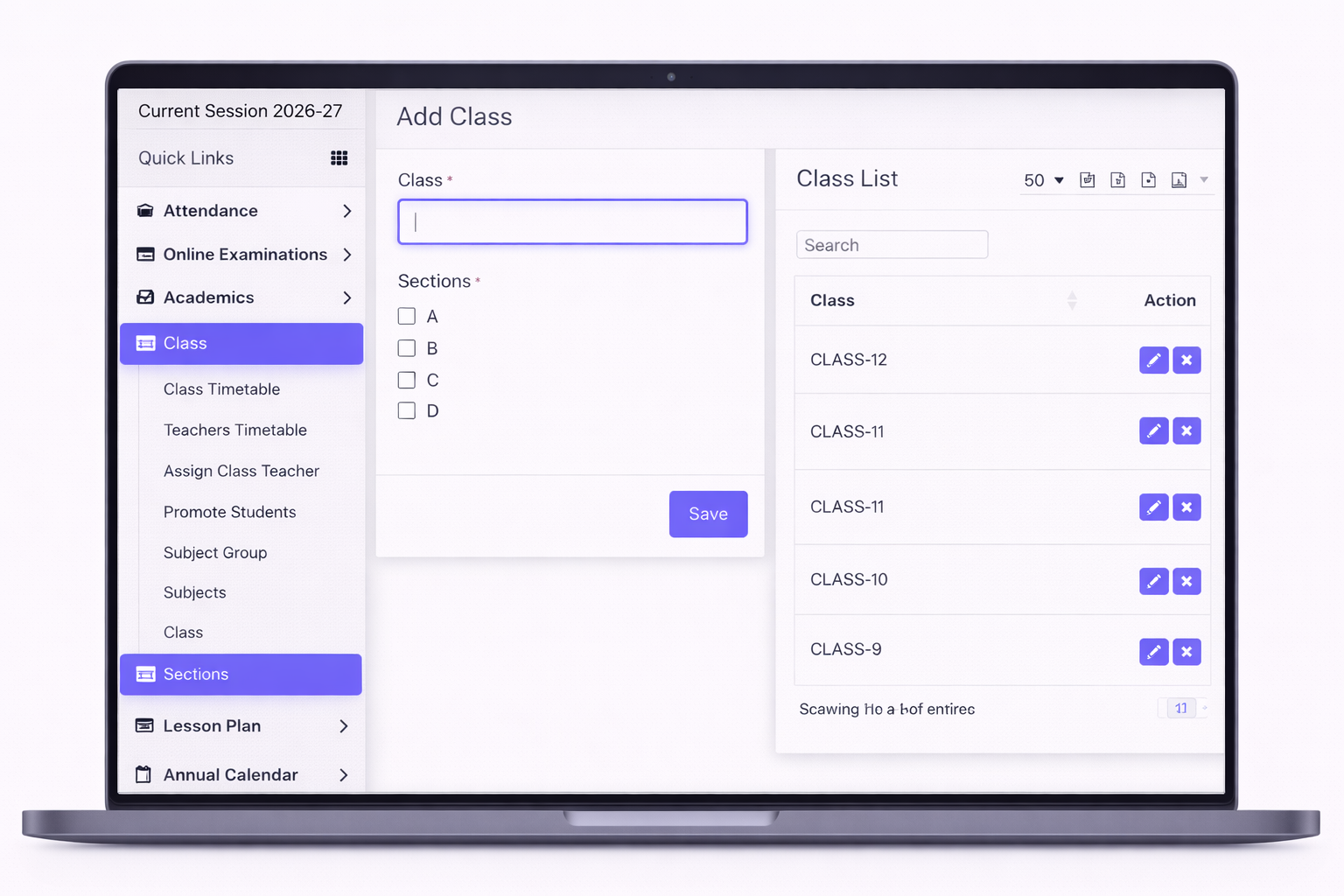
Mentora School ERP provides a structured Class Management feature that helps schools organize academic levels efficiently. Administrators can create and manage different classes (e.g., Class 1 to Class 12) and define sections within each class.
Each class can be assigned subjects, teachers, class teachers, and students. The system integrates class setup with timetable, attendance, exams, and fee management, ensuring smooth academic operations.
It also allows easy student allocation, class-wise reporting, and performance tracking. This feature ensures better organization, reduces manual effort, and helps schools manage their academic structure in a simple and effective way.
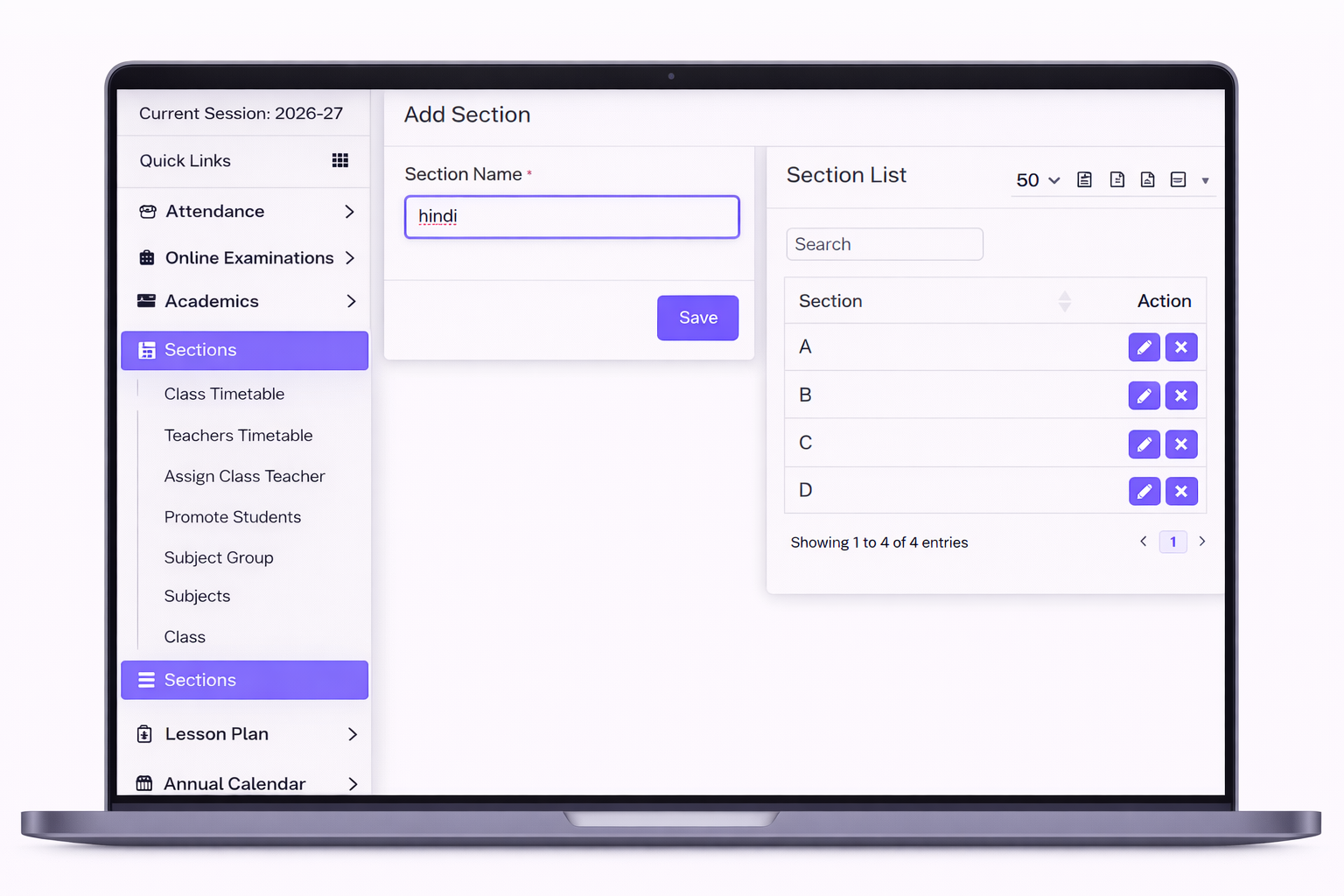
Mentora School ERP includes a Section Management feature that allows schools to divide each class into multiple sections such as A, B, C, etc. This helps in better organization and management of students within the same class.
Administrators can assign students, class teachers, and subjects to each section. The system supports section-wise timetable, attendance, exams, and reports, ensuring smooth operations at a detailed level.
Section management improves classroom organization, enables better student-teacher interaction, and helps in maintaining accurate records. It ensures efficient handling of large student groups in a structured and organized manner.

